A personalised product is only ready to sell when the maker can receive a different instruction for each buyer, attach it to the right order and tell you when that order can go into production. “We do custom products” doesn't answer any of that.
Start by asking the supplier to show you what happens to one order. What arrives from your shop? What do they check? Who releases the job if the buyer changes a name or sends a new photo? Once those answers are clear, you can build the listing around a process that actually works.
First, check what the supplier can make
There are two different kinds of “custom” here. You might give a maker one design that stays the same for every customer. Or you might need the maker to change the text, image or layout for every order. The second job needs a way to carry each buyer's instructions into production.
Supplier software doesn't handle this uniformly. Printify's guide to reviewing personalised orders describes a review step before production. Zendrop says its standard print-on-demand offer accepts a fixed merchant design, but not customer text that changes with each order. These are descriptions of those providers' current services, not rules for everyone else.
Ask your proposed supplier which kind of work they offer for the exact product. Then ask how an individual buyer's details reach them: through a connected order, a portal, a file you prepare or a manual message. Don't assume a field you can see in your shop is visible to the maker.
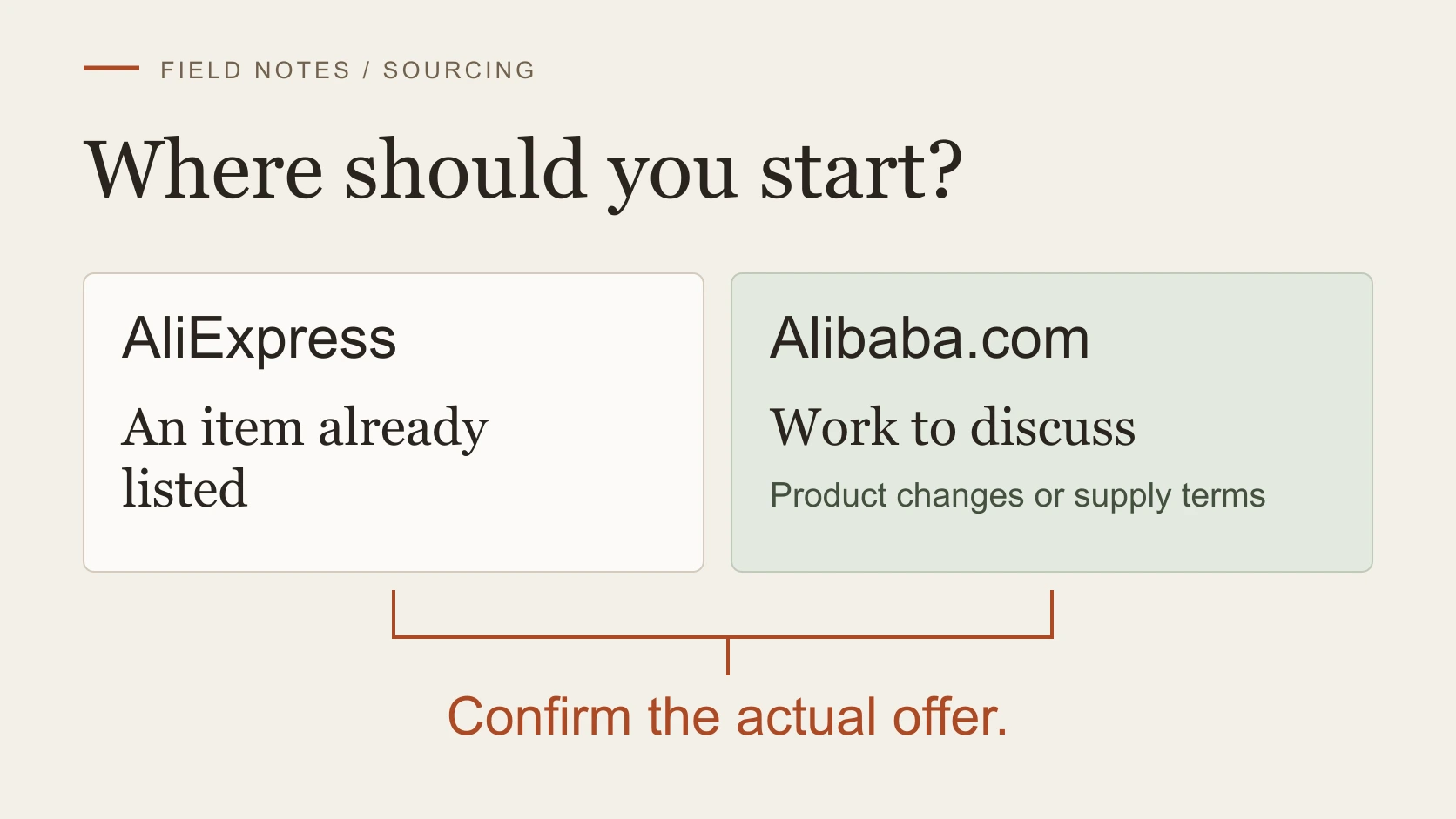
If you sell on Etsy, check the item separately. Etsy generally prohibits dropshipping ready-made goods, while allowing qualifying original designs or buyer customisation made by a production partner under its rules. The partner and actual dispatch origin need to be represented accurately. Etsy's policy and our production-partner guide cover that decision. A supplier's ability to print a name doesn't, by itself, make every product Etsy-eligible.
Ask for details the buyer can answer
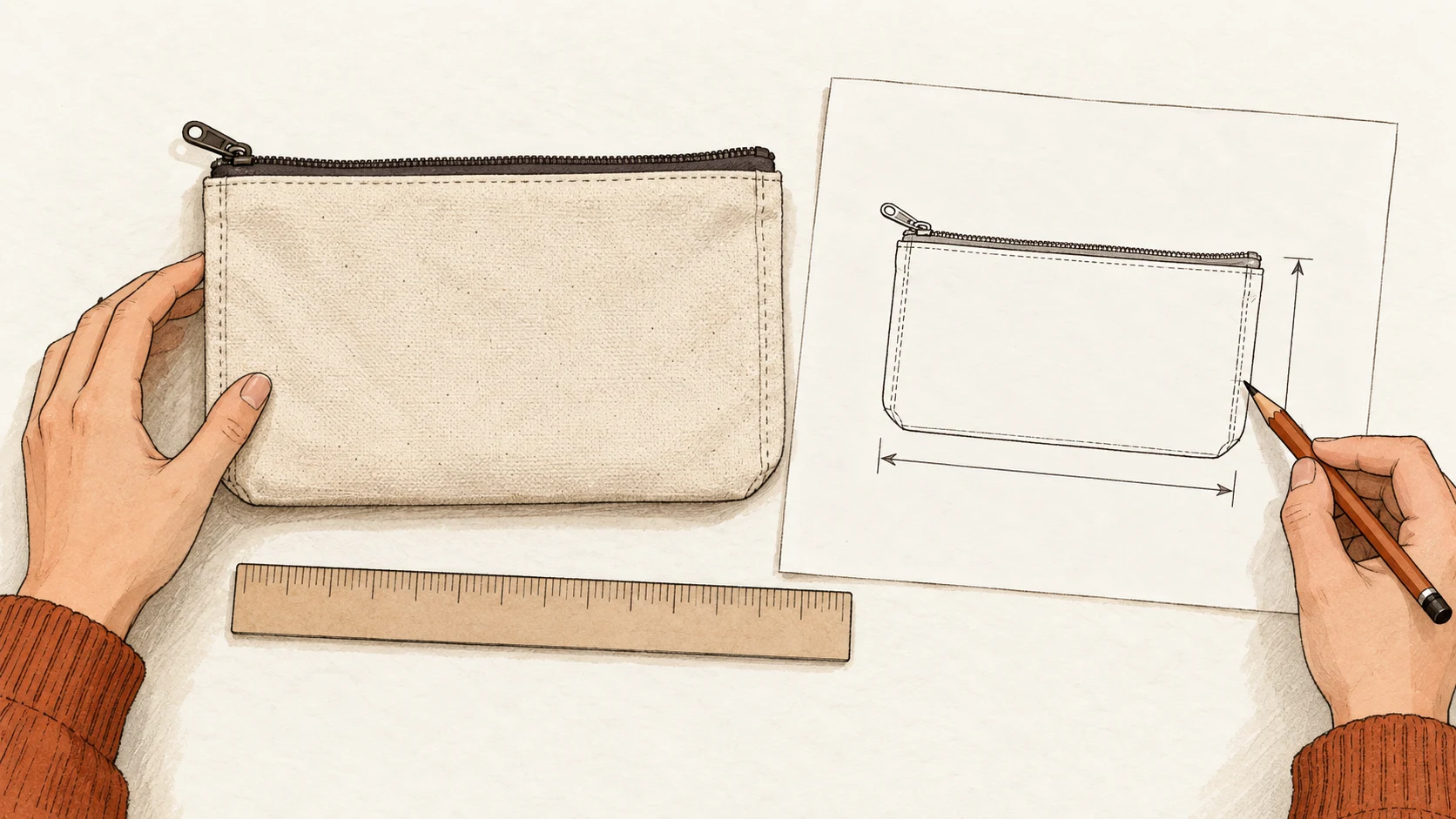
Work backwards from the maker's production requirements. If the product needs an exact name, a font choice and a photograph, ask for those as separate inputs. If the maker cannot use a particular file type or the image needs to show a specific part of the subject, put that requirement beside the upload field. A buyer shouldn't have to guess what “add personalisation” means.
Etsy's current Custom options let sellers request text, a choice from a list or an uploaded file. The submitted details appear with the order. Etsy treats size or colour choices that affect stock as variations; those aren't a substitute for the name or image to be added to the item. If you use another storefront, check what its order record actually captures before assuming the same setup.
For text, say where it will appear and whether you will copy capitals, punctuation and accents exactly. For a choice, use option names the supplier recognises. For a file, state what the image must show and confirm the format and quality the maker can accept. Have the supplier approve those instructions before the listing goes live. Otherwise you may collect a choice they cannot produce.
Keep the buyer input with the production job
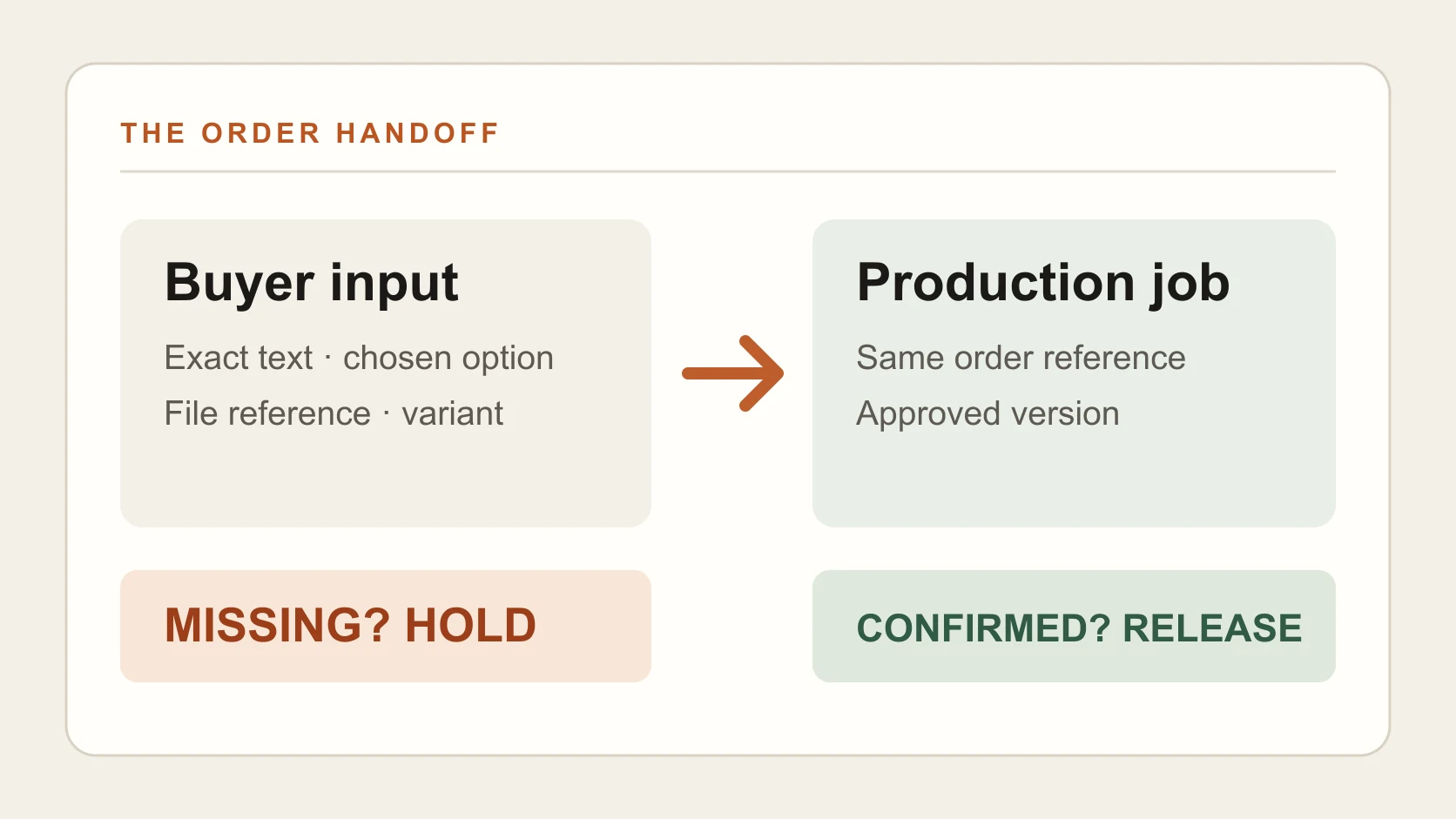
An order number should tie the buyer's input to the correct product variant and the version of the artwork being made. Keep that reference in whatever system you and the supplier have agreed to use. Use the checklist below to confirm each detail, then copy the blank record to fill in and save. It isn't an Etsy form or an automatic supplier integration.
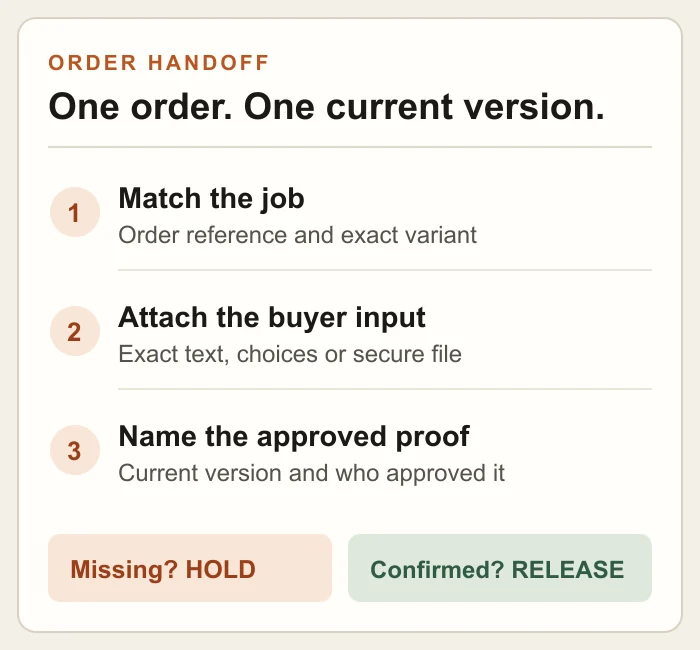
Keep one current instruction with the order. If the buyer changes it, name the new proof before production starts.
Tick each detail once you have confirmed it. Copy the blank record to save your answers.
Don't put real customer addresses or private photos into a public document or a loose shared template. Send the delivery details and files through the channel you have agreed with the supplier, with access limited to the people doing the work. The card needs a reference to the current file, not a second uncontrolled copy of it.
Agree when production pauses
Catch a wrong instruction before the job starts. Agree the hold rule before taking an order: no production if required text is missing, an image cannot be used, the product variant is unclear or a promised proof has not been approved. Also agree who can change a job after release, and when a change becomes a new order or charge. Those are questions for this supplier and product, not universal marketplace terms.
Buyer proof approval is a choice to agree in advance, not a step every personalised product has. If you offer it, say when the buyer must respond and which version their approval covers. If you don't offer it, the seller still needs a way to check the order details before sending the job. Printify's review workflow is one example of a seller approval step; it is not evidence that every maker checks your text for you.
A short written question gets the decision into the open:
Keep the reply with the product specification. “Yes, we personalise” is still incomplete if the supplier hasn't explained where the actual instructions go.
Test one order from listing to dispatch
Before promising the process to buyers, arrange one controlled test job with the supplier using your own non-sensitive input. Check the fields in your storefront's permitted draft or test flow, then send the job through the supplier route you intend to use. Ask the maker to show you what they received: the exact text or file reference, variant and current approval status. If there is a proof, check the version you approve against the instruction in the order record.
If the supplier makes and sends a sample, record when the job was released, where it shipped from and when you received the tracking reference. That checks one handoff; it doesn't establish a general delivery promise. Use the separate shipping-time guide to set an estimate that includes work before carrier collection.
If the test exposes a missing field or a step nobody owns, fix the process and run the job through again. Keep the corrected handoff with the product record, so the next buyer's instruction can be captured, checked and released without reconstructing it from messages.