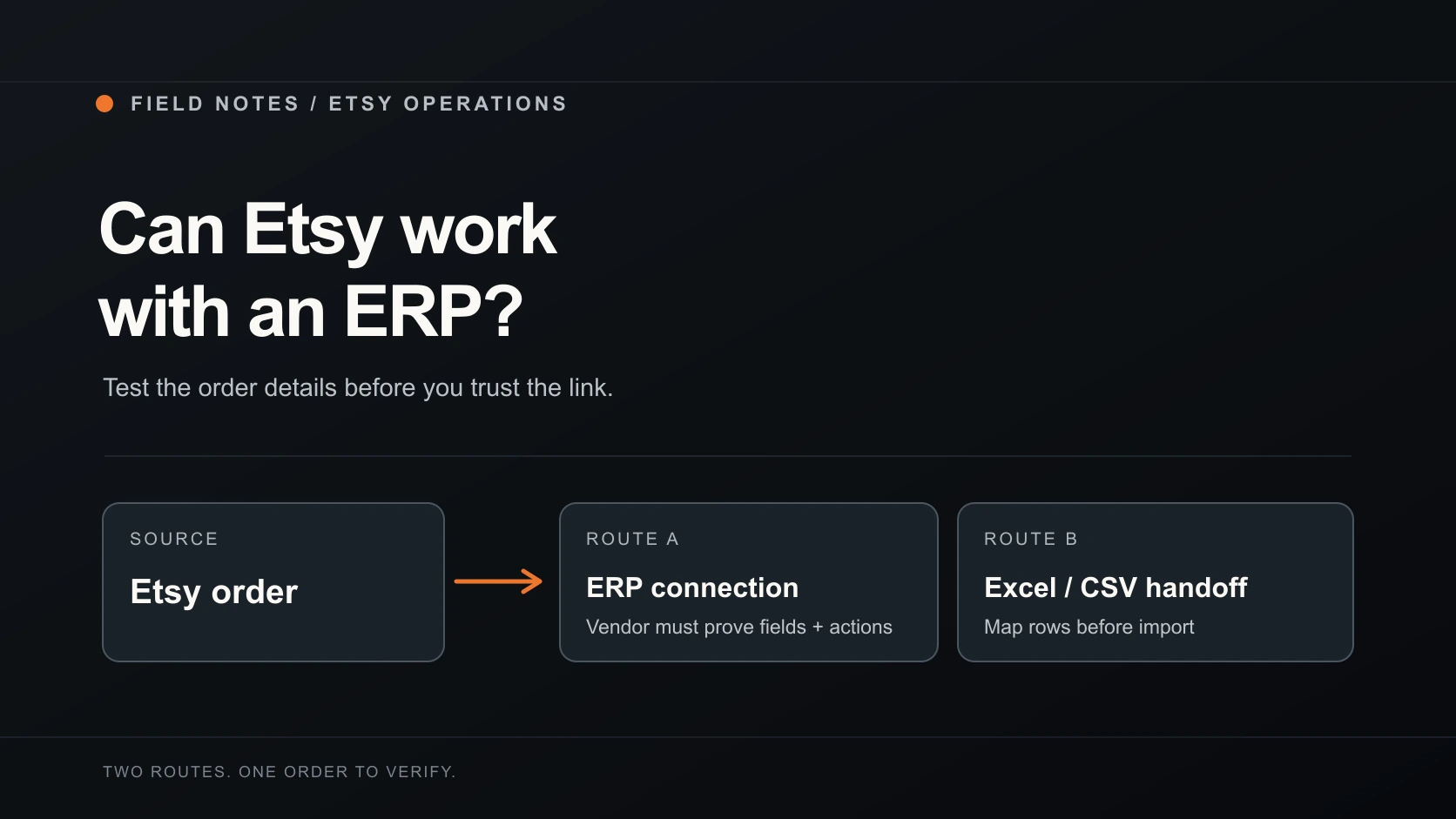
To export Etsy orders to Excel, you have two workable routes. Etsy gives you a downloadable CSV of sold transactions through Shop Manager. If you need a sheet for the orders you are looking at right now, the SupplierMafia Etsy Order Exporter & Manager can download those visible orders as Excel or CSV, with one row for each purchased item.
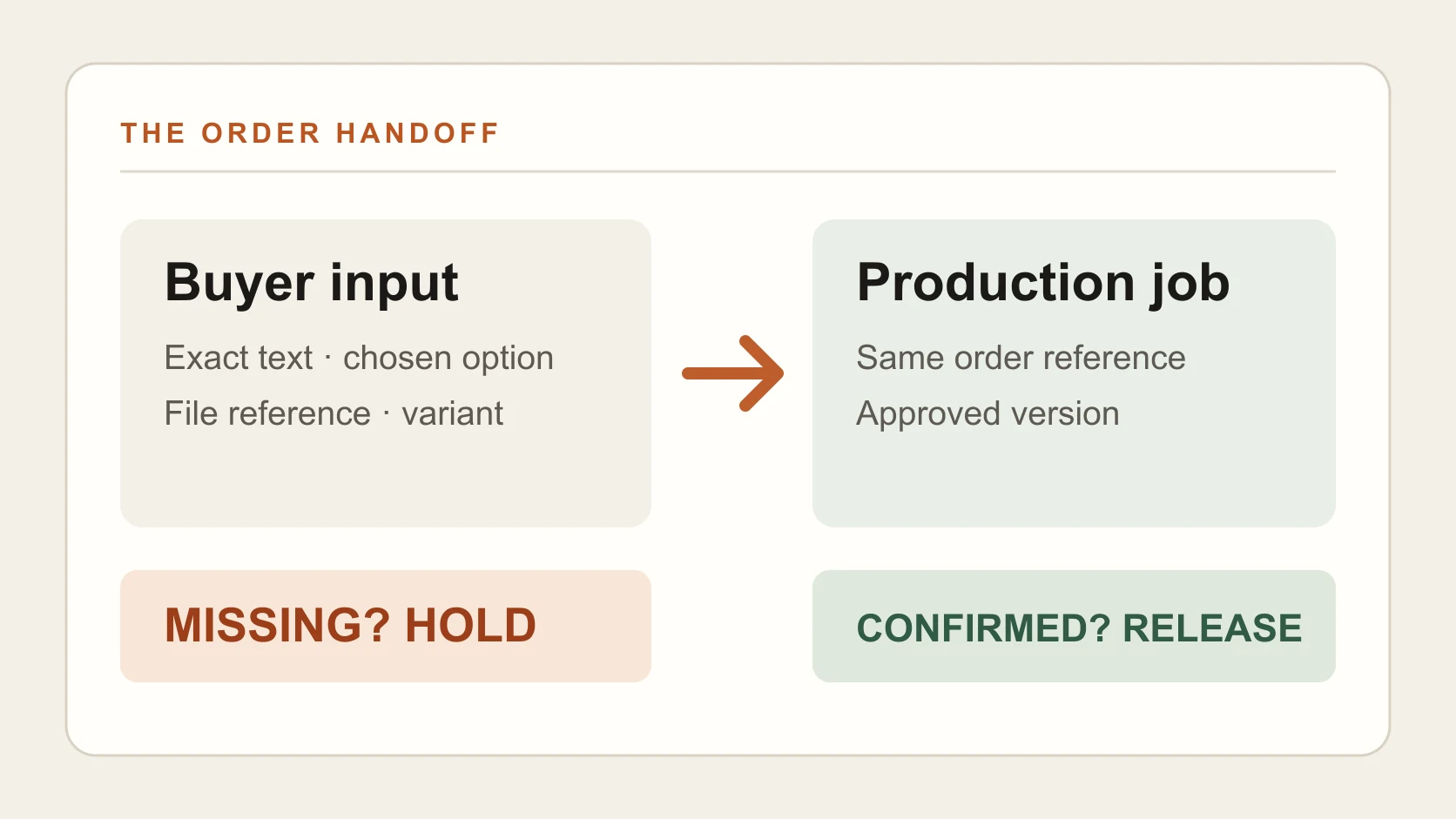
The choice depends on the job. A month's sales record and today's supplier instructions are different sheets. Before either one leaves your computer, compare it with the original Etsy order. A missing size or personalisation detail can turn a tidy spreadsheet into the wrong product.
Download Etsy's own CSV
Etsy's download guide gives the current route:
- Sign in to Etsy.com and open Shop Manager.
- Go to Settings → Options → Download Data.
- Under Orders, choose the CSV type you need. Etsy lists Order Items, Orders, Etsy Payments Sales and Etsy Payments Deposits.
- Choose a month and year, then select Download CSV. Leave Month unselected if you want the whole year.
Open the file in Excel. Etsy describes its CSV as compatible with Excel, Numbers and Google Sheets. Choose the type by what you plan to check: order items for product-level work, orders for order-level records, or the payments files for payment records. Don't assume one file has every field your maker or packer needs. Open an Etsy order beside it and compare the details before using it as a production instruction.
For bookkeeping, keep the original download as your untouched source. Work from a copy if you're sorting, deleting columns or adding supplier notes. That gives you a way back if a filter hides an order or a cell gets overwritten.
Export the orders on your screen to Excel
The SupplierMafia Etsy Order Exporter & Manager is built for a different task: turning the orders on your current Orders & shipping page into a working sheet. Its public Chrome Web Store listing describes free local Excel and CSV downloads without a SupplierMafia account. Account-based order sync and supplier tracking are separate beta features.
- Open your seller-authorised Etsy Orders & shipping page. Install and open the extension beside that tab, then allow its optional Etsy access when prompted.
- Read the current page. Choose all orders shown on that page or only the orders you've selected in Etsy. Check the count before exporting; the extension doesn't claim to collect every page of your order history automatically.
- Arrange the columns for the person who will use the file. For a supplier handoff, keep the order number, product, quantity, purchased options and personalisation visible. Add delivery and dispatch fields only when that person needs them.
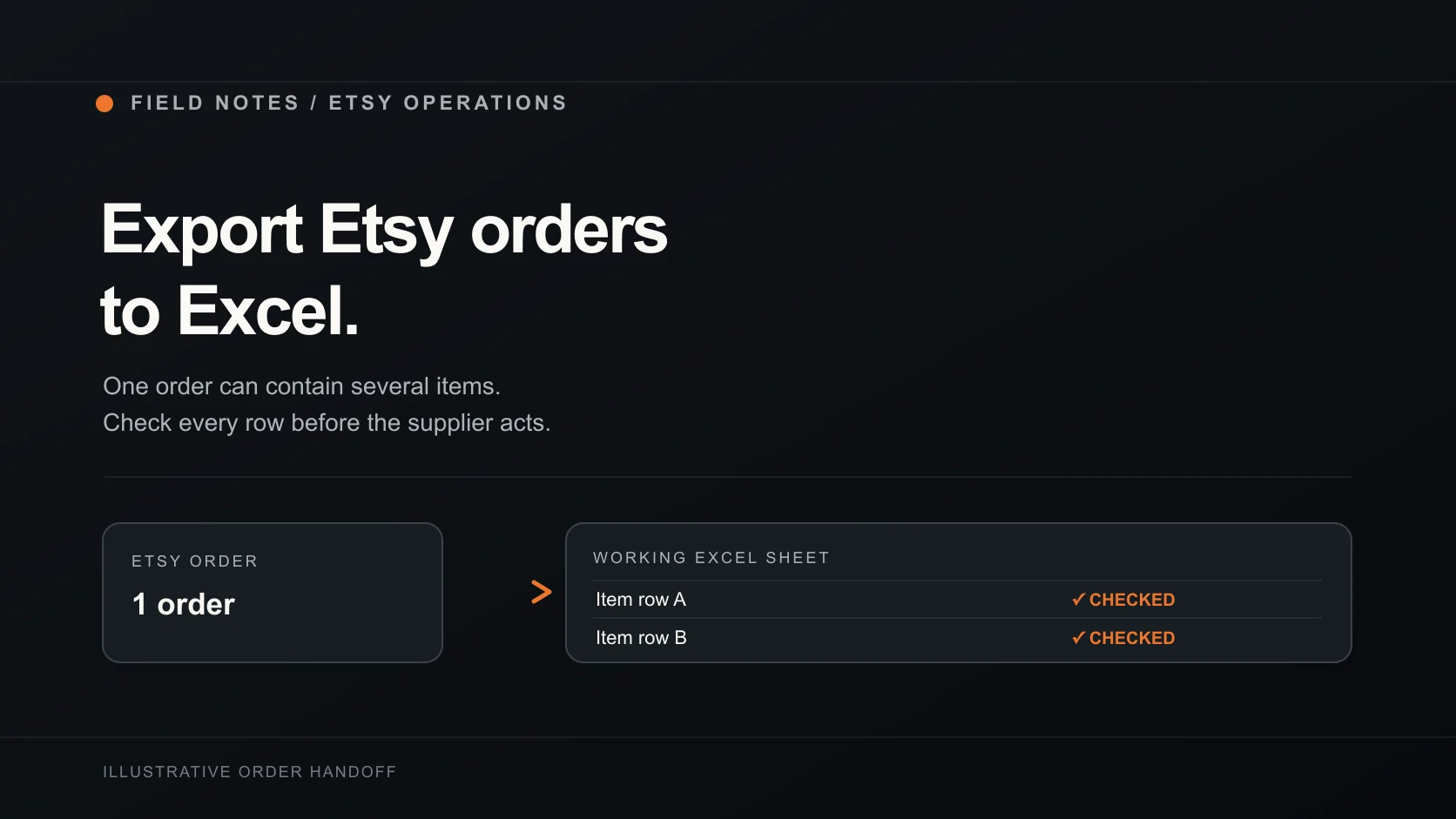
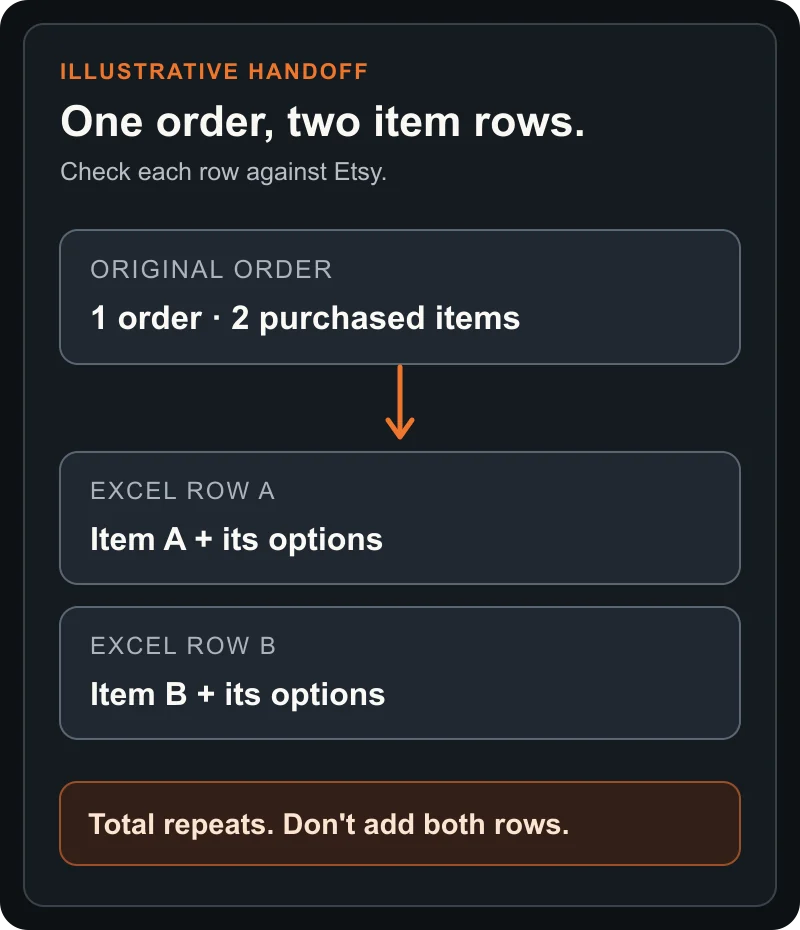
- Preview the rows, choose Excel or CSV, then download. Each purchased item gets its own row. Check the file against Etsy before sending it on.
The extension can only work with information it can read from the current page. Its listing says unreadable or conflicting option evidence stops export, and fields the page doesn't expose can remain blank. A blank variation cell is a reason to look at the Etsy order, not proof that the customer chose no option.
Check the handoff, not just the file name
Use one order with more than one item as your first check. It exposes the row problem quickly: an order can have two item rows while its order-level total appears on both. That total is useful context, but adding the whole column would count the same order twice. The extension's export model explicitly warns about this.
Keep this check beside the sheet until the handoff is right:
Tick each detail once you have confirmed it. Copy the blank record to save your answers.
If the item is personalised, checking the file is only the first handoff. Our personalised-order guide shows how to keep the buyer's exact text, options and approved proof together before production starts.
Stop Excel changing IDs and postcodes
Excel may treat a long order ID or a postcode beginning with zero as a number. That can change what you see in the cell. Microsoft recommends importing CSV through Data → From Text/CSV and setting identifier columns to Text when you need to preserve leading zeros or long values. The wording of those controls depends on your Excel version.
Check the order number and postcode against Etsy after import. Changing a cell's format later does not restore digits that Excel has already removed.
The spreadsheet also contains buyer information. A local download stays on the device until you decide to share or upload it, but the file itself still needs sensible handling: keep it in a controlled folder, send only the columns a supplier needs, and remove old working copies according to your normal retention process. If you use SupplierMafia's separate account sync, the public listing says order and delivery information goes to your selected workspace and assigned suppliers receive the fulfilment details they need. Review that data flow before using the beta account features.
Use the route that matches the work
Use Etsy's CSV when you need a period of sold transactions or payment records. Use the extension when you need an Excel or CSV sheet from the current Orders & shipping page, with the columns and item rows for a practical handoff. In either case, compare the exported details with Etsy before a supplier acts on them.
A spreadsheet moves instructions; it doesn't decide whether an item is eligible for Etsy or mark an order dispatched. If a third party will make and ship the product, read Etsy's production-partner rules and our guide to applying them to a listing before building an automated fulfilment process around it.