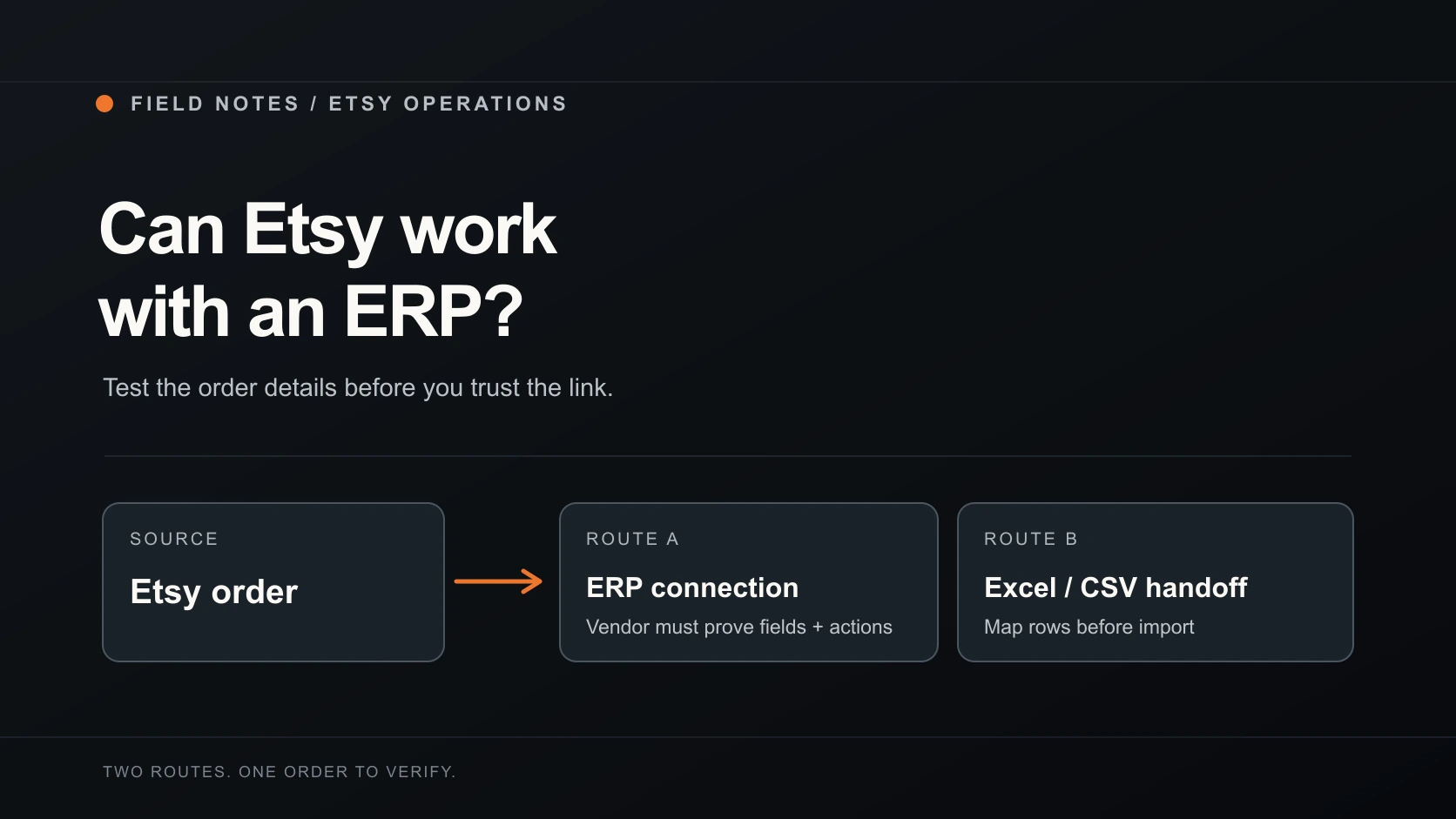
Yes, you can use an ERP with Etsy. The useful question is which part of the order the connection actually handles. An ERP might pull orders and update stock, while you still have to check a buyer's personalisation and confirm dispatch yourself.
Etsy supports third-party shop apps, and Zoho ERP documents an Etsy connection for orders, customers and inventory. That establishes that an Etsy ERP integration is possible. It doesn't tell you whether the ERP you're considering can carry the exact options your buyer selected to the person making the item.
If your main headache is moving current orders into a supplier's working sheet, you may need an export first. If you need stock and finance records updated across several sales channels, look at an ERP. Some sellers will need both, with a clear boundary between them.
Map what you expect the ERP to do
Start with one real order type from your shop and write down where each detail needs to go. A personalised item is a good stress test because a product name alone is not a production instruction.
| Step | Question to put to the vendor | Proof to ask for |
|---|---|---|
| Read the sale | Does the connection collect new Etsy orders automatically, or only after a manual import? | Show the same order in Etsy and the ERP. |
| Keep item detail | Does it preserve quantity, variations and the buyer's exact personalisation for each purchased item? | Compare every line and option with the Etsy receipt. |
| Match stock | Which SKU or variation is used to change inventory, and what happens when it has no match? | Show a matched item and an unmatched item. |
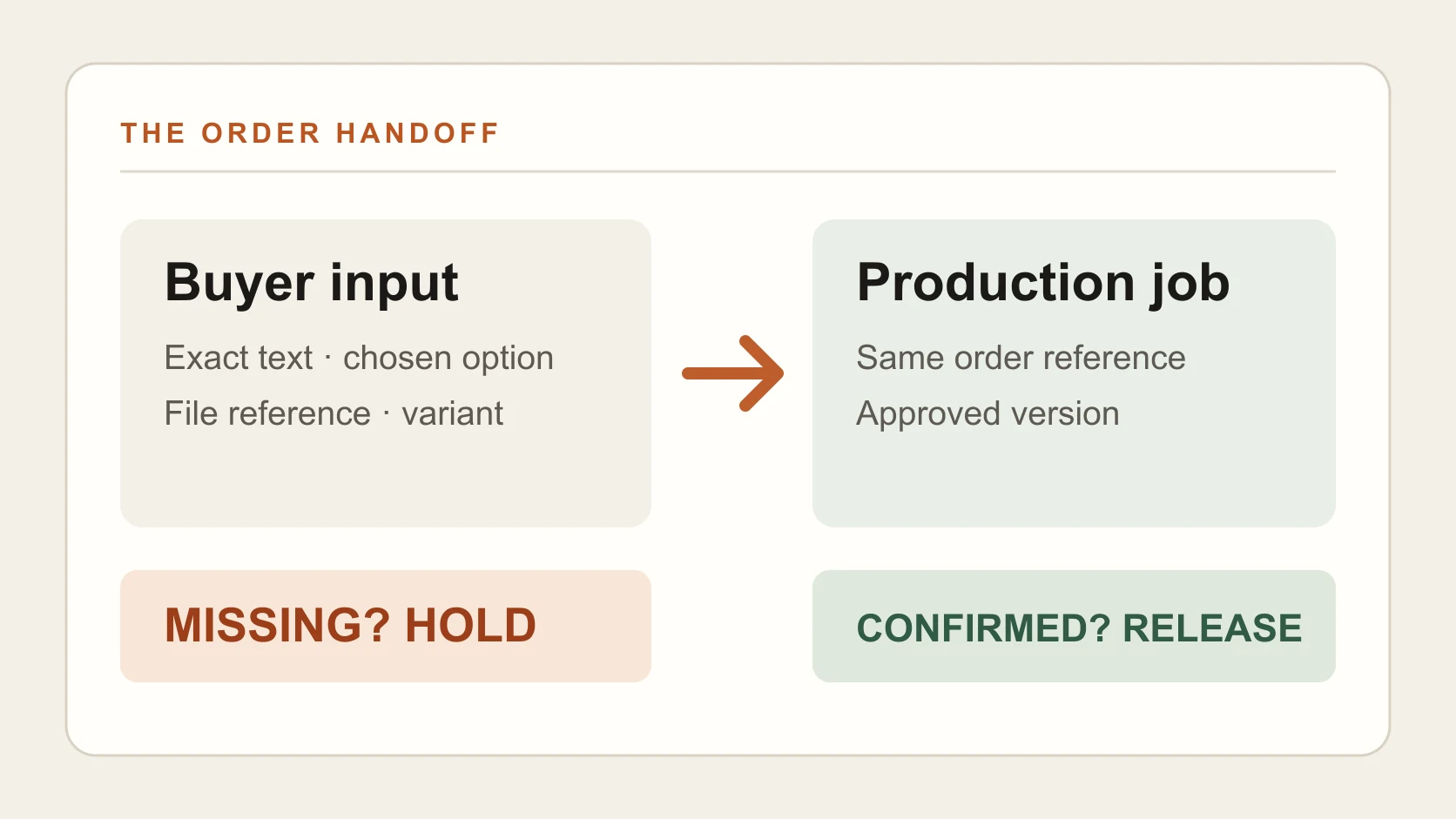
| Pass work to a supplier | Can the supplier see the specification and delivery details they actually need? | Show the supplier-facing job, with private data limited to the job. |
| Return a result | Can a tracking number or dispatch state go back to Etsy, or is that a seller action? | Show where the update lands in the Etsy order. |
| Handle a change | What happens if a buyer changes an address or a maker rejects the job? | Show the exception queue and who owns the correction. |
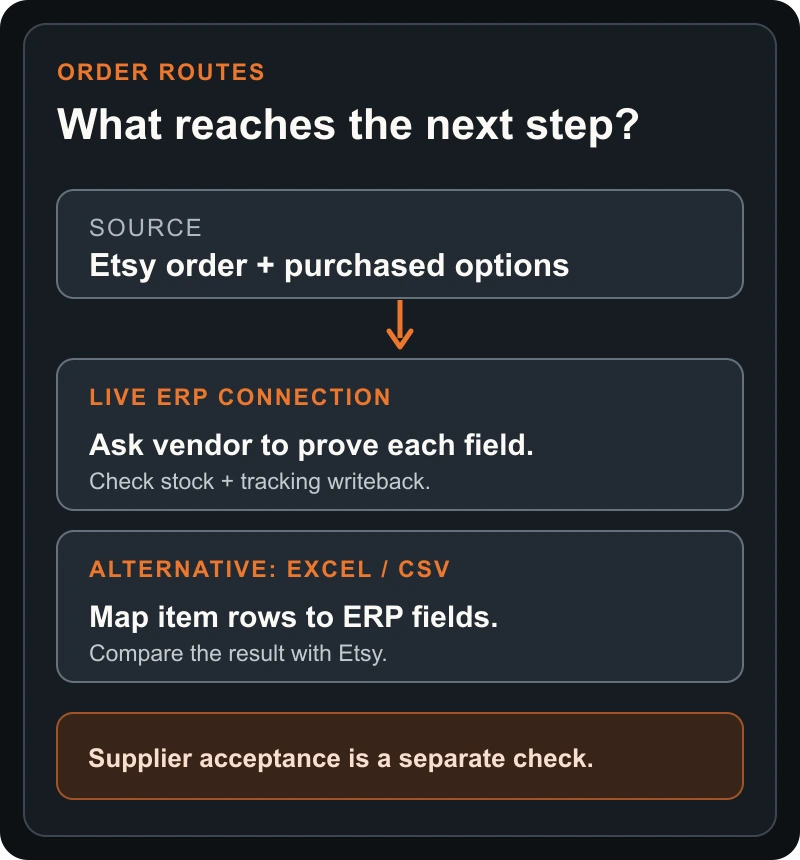
Those are questions, not a feature list for every ERP. The difference matters. A dashboard that says “order imported” may still have dropped the engraving text, and a stock adjustment does not prove that Etsy was marked dispatched.
Check the Etsy connection before buying
Ask the ERP vendor how its Etsy connection works. An app using Etsy's Open API requests permission through scoped OAuth authorisation. Check the scopes against the actions you want it to perform. Etsy also explains how sellers can review and revoke connected apps.
Then ask the vendor to walk through these points with your shop's order shape:
- Shop and region. Can your actual Etsy shop connect, and are any order or tracking actions limited where you sell?
- Mapping. Which Etsy fields land in which ERP fields? Ask specifically about variations, buyer text, SKU and shipping address.
- Direction. Is each field read from Etsy, written back to Etsy, or only stored inside the ERP?
- Failures. Will an unreadable option or missing SKU stop the job, go into a review queue, or disappear into a blank cell?
- Exit. How do you disconnect, export your records and stop access when you no longer use the app?
Zoho's documentation, for example, describes prerequisites around the shop and item mapping. It is useful evidence that a named integration exists; it is not a test of your products or a promise that another ERP behaves the same way. If a vendor cannot show an order with your sort of customisation, keep that step manual until you can test it.
Where SupplierMafia's exporter fits
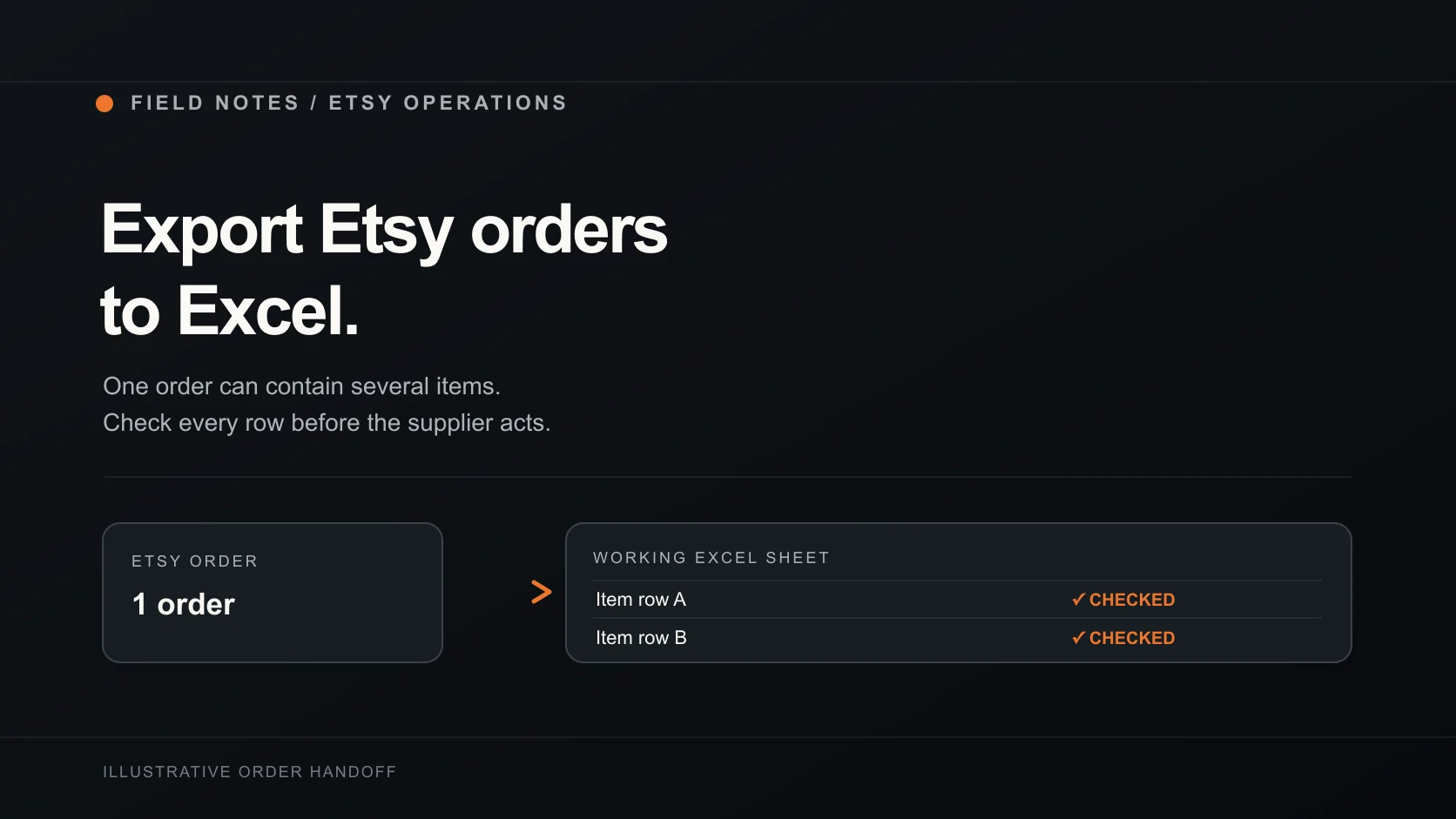
The SupplierMafia Etsy Order Exporter & Manager takes a narrower route. Its public listing describes Excel and CSV downloads from the Etsy Orders & shipping page currently on screen. You can export the orders on that page, or the ones you've selected there, and choose the columns. Each purchased item becomes a row.
That can give a supplier or operations team a working handoff. It is not a direct SupplierMafia-to-ERP connector. If your ERP accepts imports, ask that vendor for its required column names and field rules, then map a sample file and verify the imported result. Do not assume a CSV with familiar headings will import cleanly.
The extension's local Excel/CSV export works without a SupplierMafia account. Its separate account-based order sync and supplier tracking are beta features for approved accounts. Sync is limited to the current page and has its own review and supplier-assignment flow. For the product's current public scope, use the Chrome Web Store listing. Before importing a file anywhere, check item rows and personalisation against Etsy.
Think about data access before you connect anything. A local export gives you a file that you decide how to store and share. An ERP integration may have continuing shop permissions. SupplierMafia's account sync sends order and delivery information to the selected workspace and the assigned supplier receives fulfilment details. Pick the route that fits the job, then limit access to the people doing it.
Test one order before changing the whole shop
Use a real order only inside your own authorised shop and systems. Start with an item that has an option or personalisation field, then compare these points before you trust the process with the next batch:
- The Etsy order number and every purchased item match what the ERP or sheet received.
- The variation, quantity and buyer text are complete, in the right item row.
- Any SKU or stock change is the one you intended. An unmatched product remains visible for review.
- A supplier job contains the approved specification and only the delivery data the supplier needs.
- Any dispatch or tracking update is confirmed in Etsy, rather than assumed from an ERP status.
Record each result as passed, failed or still manual. Fix a missing field at the boundary where it was lost. That is much easier than untangling several orders after a supplier has started making them.
If a simple sheet solves today's handoff, try the SupplierMafia exporter on the current Orders & shipping page. If you need stock or accounting automation as well, take the same order test to the ERP vendor. Make them show you the whole route, including the point where a human still has to decide.